

If your S9 firmware upgrade fails, please abort the upgrade.
Please download the S9 repair and upgrade package to restore your S9.
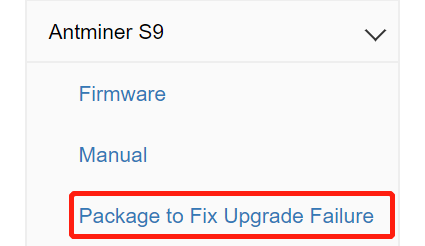
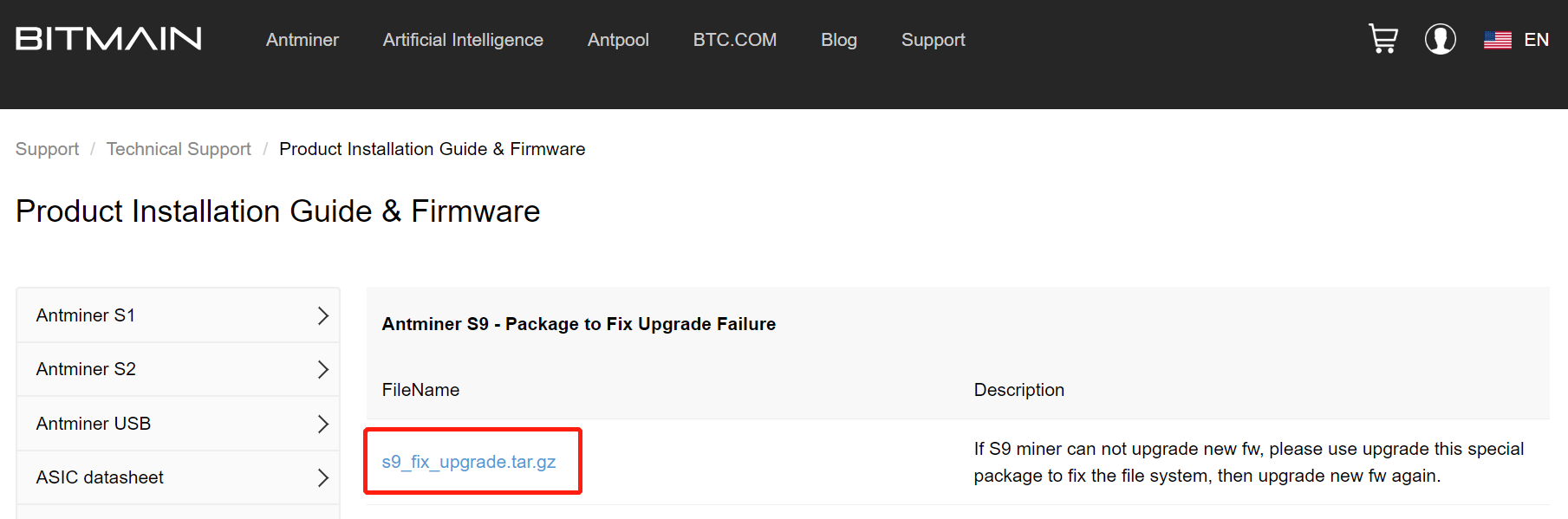
1. Go to the firmware page of the official website and download "Package to Fix Upgrade Failure" in the S9 tab.
2. Reload the package as per normal.
3. Download the latest firmware and upgrade again.
4. If you cannot find the IP after the update, please reset the miner.
5. Let the miner run for at least 20 minutes.
If you still cannot solve the problem, please contact us for further assistance.
 China Mainland Hong Kong
  Business Hours: (GMT+8) 08:30-20:00 Mon to Sat
  Company Phone: +86-023-72227777
