

Tool
Phillips screwdriver or portable electric screwdriver.
Disassembly steps
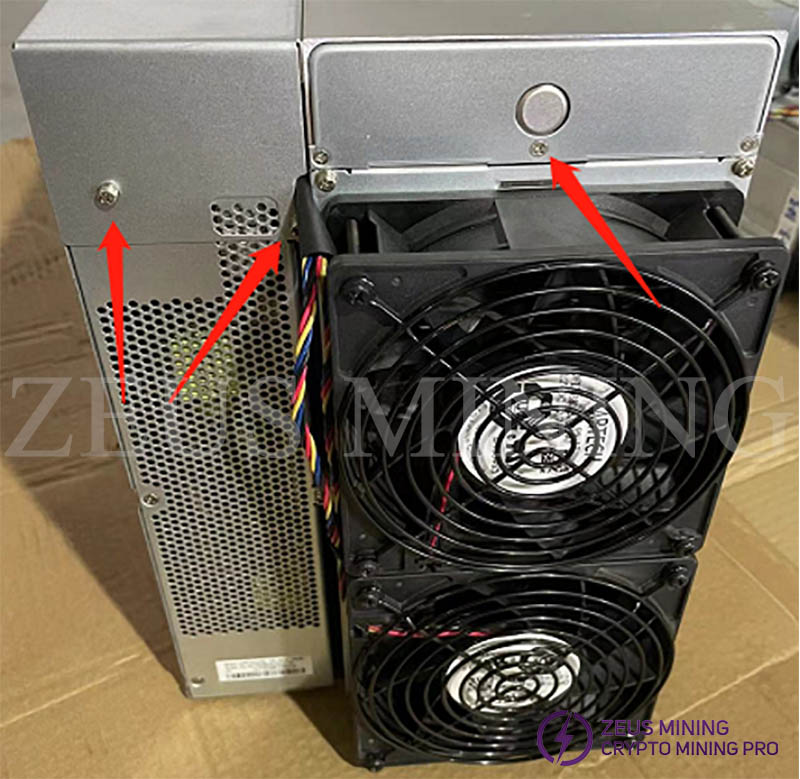
1. Remove the screws as shown in the figure below, and open the control panel and power supply cover.
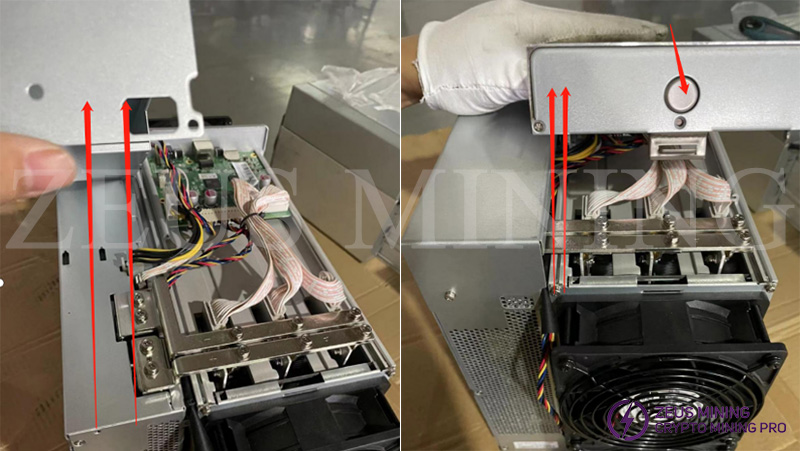
2. Press and hold the knob on the control panel cover and lift to remove the top cover. The top cover of the power supply can be lifted directly up to remove it.
3. Remove the copper bar screws, and unplug the power supply voltage regulator cable and the control board power supply cable.
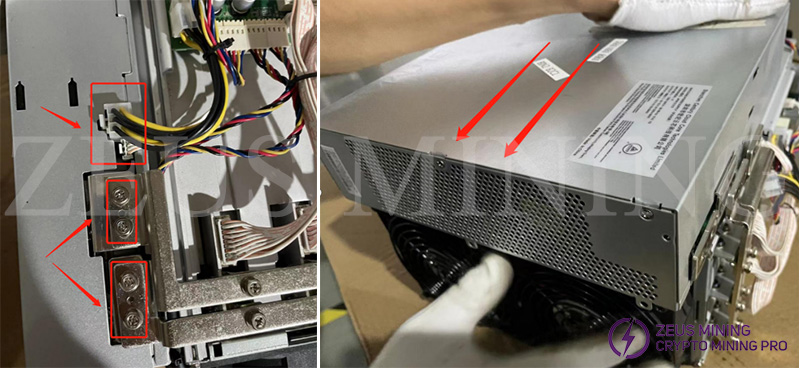
4. Remove the screws securing the power supply and slide out the power supply.
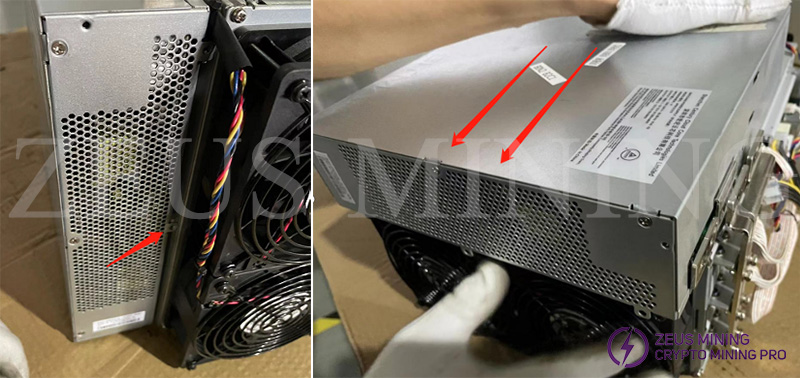
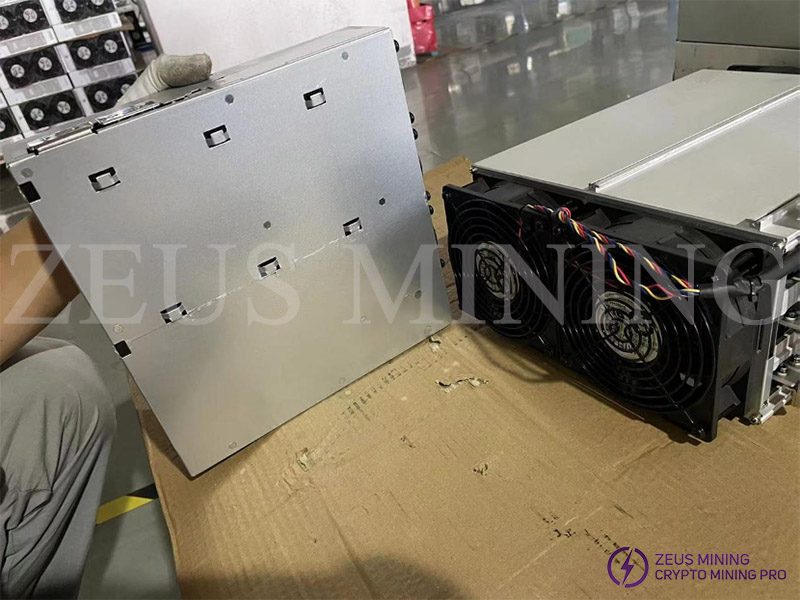
5. The power supply can be removed by sliding it to the end. Since the power supply is heavy, be sure to hold the power supply well to avoid slipping and injury or damage to the device.
 China Mainland Hong Kong
  Business Hours: (GMT+8) 08:30-20:00 Mon to Sat
  Company Phone: +86-023-72227777
