

Bitmain C87 control board with 4-pin fan interface, suitable for Antminer L7, S19, S19j, S19j Pro+, S19XP, S19A.
A control board failure may cause the following fault phenomena: the miner is unable to find the IP, fails to enter the miner's backend, cannot detect the hash board and fan, etc.
Steps to replace the C87 control board
1. Take off the control board protective case. Disassemble the screws of the front bezel and press the round button on the rear cover to remove it.
2. Unplug all cables on the control board: hash board cables, fan cables, control board power cables, and voltage regulator cables.
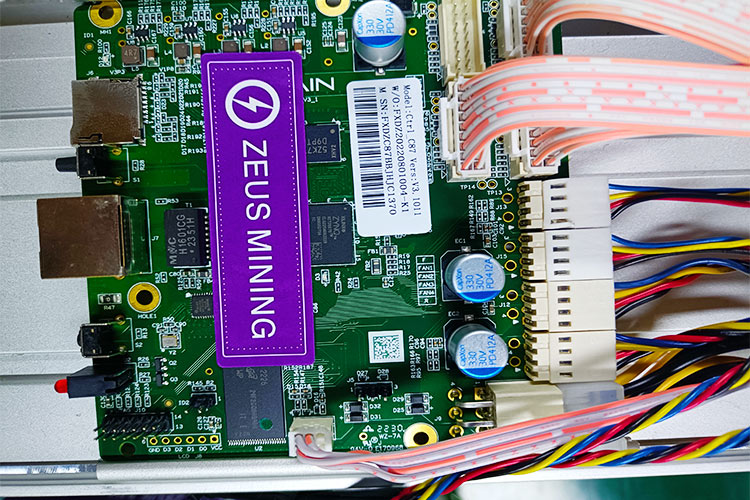
3. Push the faulty control board forward to the bottom and remove it.
4. Before replacing the new control board, check whether it is a good board and install it according to the card slot.
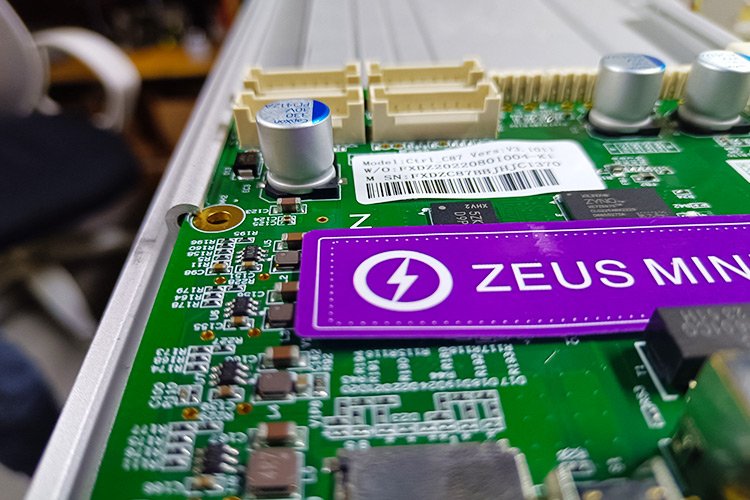
5. Connect all the cables on the control board. After the connection is completed, check whether the connection is firm.
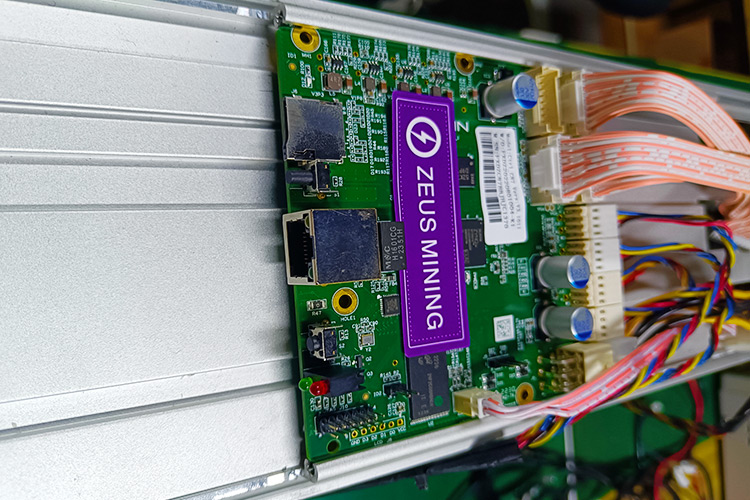
6. Cover the protective case of the control board and tighten the screws.
7. After replacing the C87 control board, we need to flash the corresponding firmware.
8. After all steps are completed, please check whether the miner is fully back to normal operation.
The control board is the core component of the ASIC miner. Once it stops running, troubleshooting must be eliminated in time and replaced with a new one.
 China Mainland Hong Kong
  Business Hours: (GMT+8) 08:30-20:00 Mon to Sat
  Company Phone: +86-023-72227777
