

The Antminer S19Pro Hydro BTC miner experienced a low operating temperature failure, causing the miner to stop operating. Analyze the specific cause of the failure and find a solution.
I. Fault phenomenon: The normal working temperature of the miner is 20°C to 40°C. The log shows "too low water temperature pic temp 19", which is lower than the minimum working temperature, and the miner stops mining.
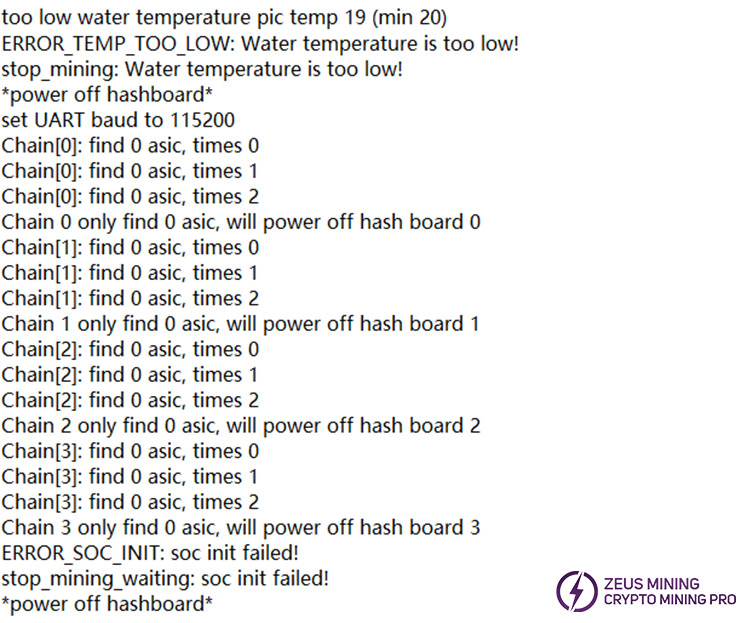
II. Fault Solution:
Since the coolant temperature is only 19°C, which fails to meet the normal temperature requirement, the miner cannot be started. It is recommended to use a spiral silicone rubber heating tape to preheat the coolant.
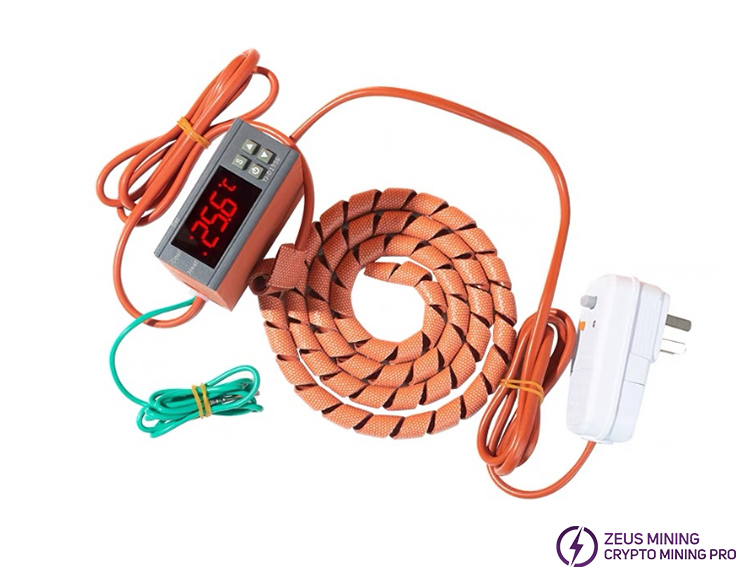
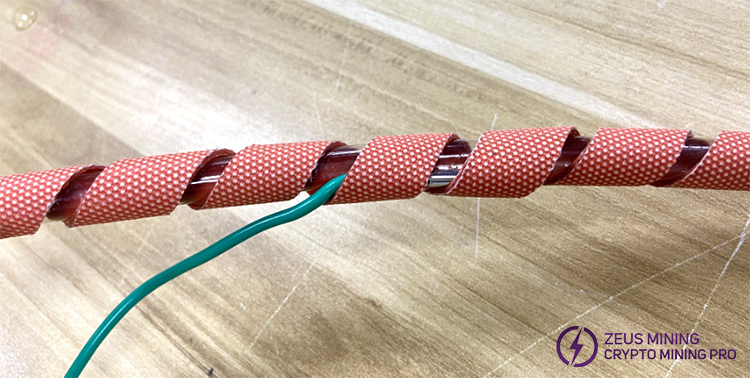
1. First, evenly wind the heating belt around the water cooling pipe and attach the temperature probe closely to the junction between the water cooling pipe and the heating belt.
2. Press the "S" key on the thermostat briefly, then use the up and down arrow keys to set the desired temperature. After setting, press the "S" key briefly to save the settings.
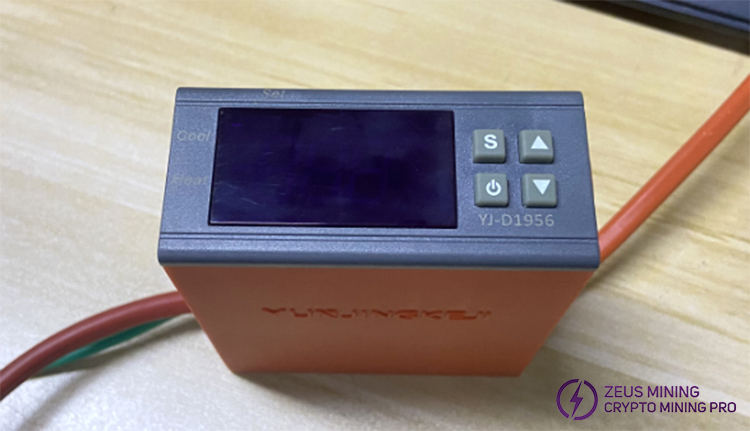
3. Turn on the radiator and run the coolant in the water-cooling tubes. Wait until the thermostat indicates that the water temperature has reached the set temperature. Press and hold the power button on the thermostat for 3 seconds to turn it off, and then turn the miner on.
4. After the miner is running normally, the heating belt can be removed and stored in a dry place.
Suppose the working temperature of the miner is too low or too high. In that case, it triggers the equipment's self-protection mechanism, resulting in a decrease in computing power or a complete shutdown of operation. Monitor temperature data in real-time, troubleshoot faults promptly, maximize mining efficiency, and reduce the risk of downtime. If you regularly clean the cooling system, upgrade the firmware, and use intelligent monitoring tools. Setting up temperature alarms can effectively prevent abnormal temperature problems!
 China Mainland Hong Kong
  Business Hours: (GMT+8) 08:30-20:00 Mon to Sat
  Company Phone: +86-023-72227777
